 eRMA
One resilience program, the right page for every role
Executives, program managers, coordinators, owners, incident leads and auditors each get their own page into one set of records. Same totals for all.
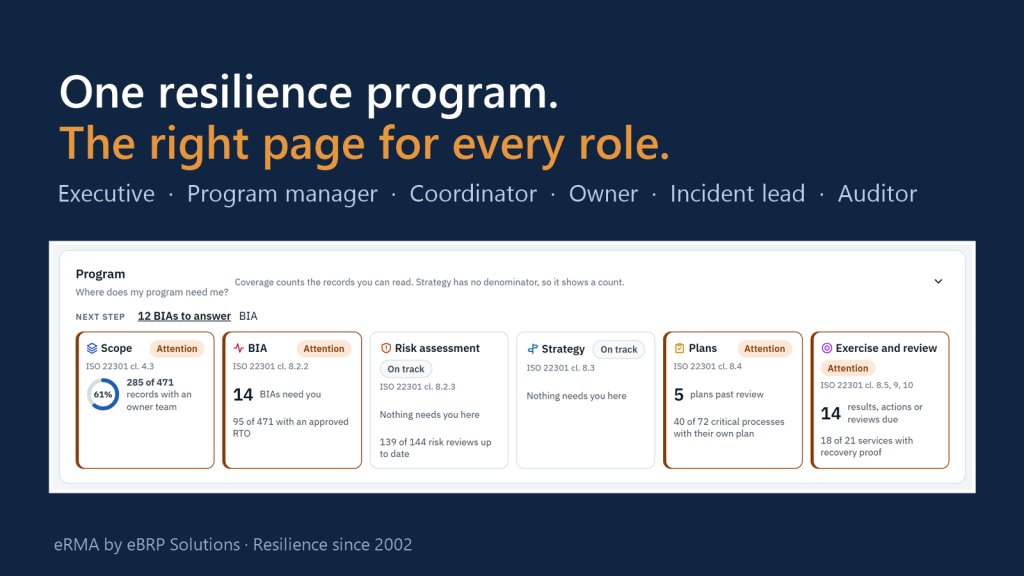
A resilience program is run by many people who never look at it the same way. The board wants to know whether the organization can keep delivering. The program manager wants to know what needs attention first. A department head wants to know what they owe the program this week, and an auditor wants proof. eRMA keeps one set of records and gives each of these people their own page into it: their question first, their part of the organization, and only the detail they are allowed to see.
The problem it solves
- “Every audience gets its own spreadsheet, so every meeting starts by arguing about whose numbers are right.”
- “Owners only hear from the program once a year, when the BIA form arrives.”
- “In an incident, nobody is sure who is meant to do what, or what they are allowed to change.”
Six roles, one program
1. Executive sponsor and board: “Can we keep delivering?”
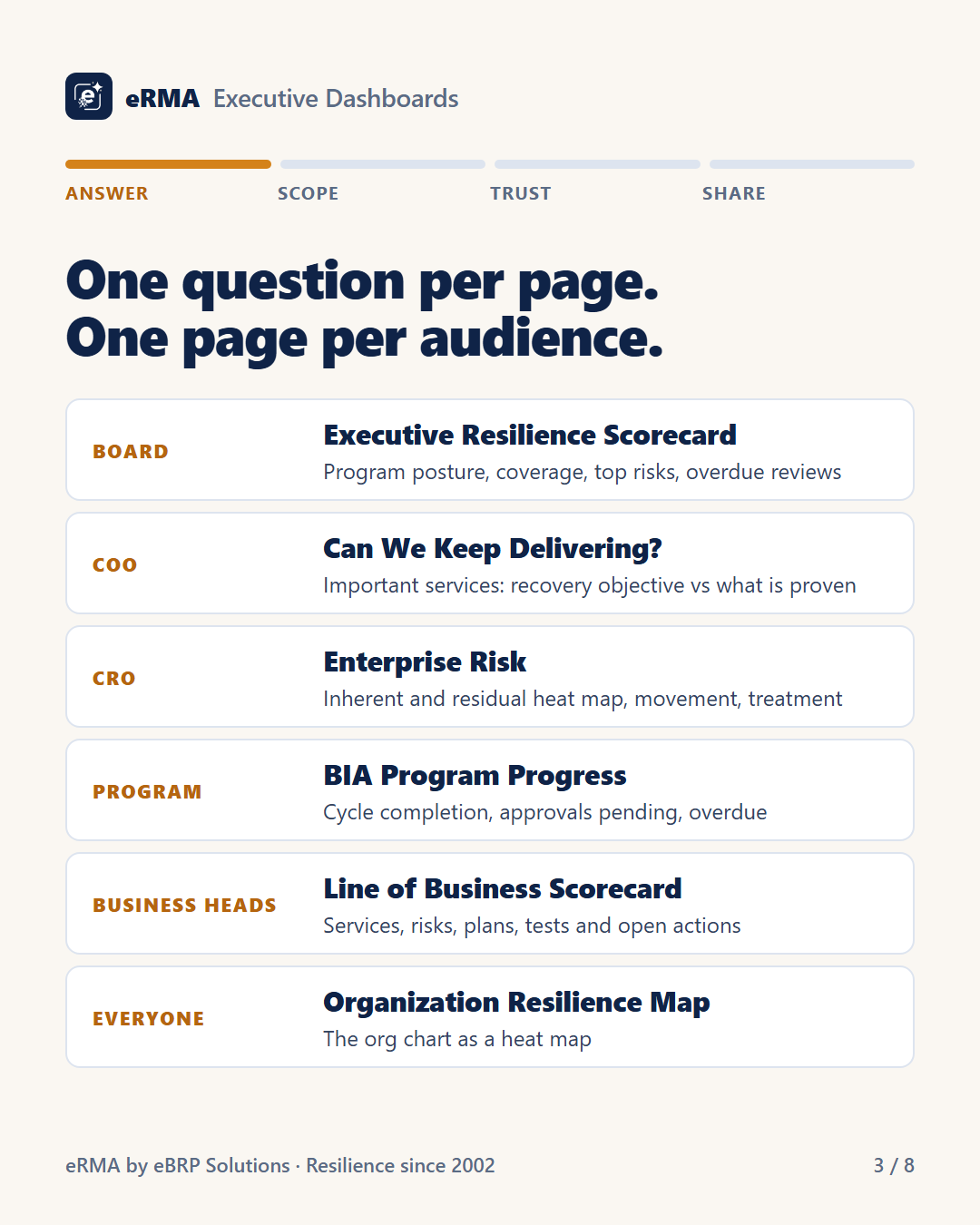
Executives see the program as answers, not appendices. The Executive Resilience Scorecard shows posture, coverage, top risks and overdue reviews on one page. Can We Keep Delivering? compares each important service’s recovery objective with what has actually been proven. When the board meets, the same pages print as a dated, scoped and marked board pack.
2. Resilience program manager: “What needs me first?”
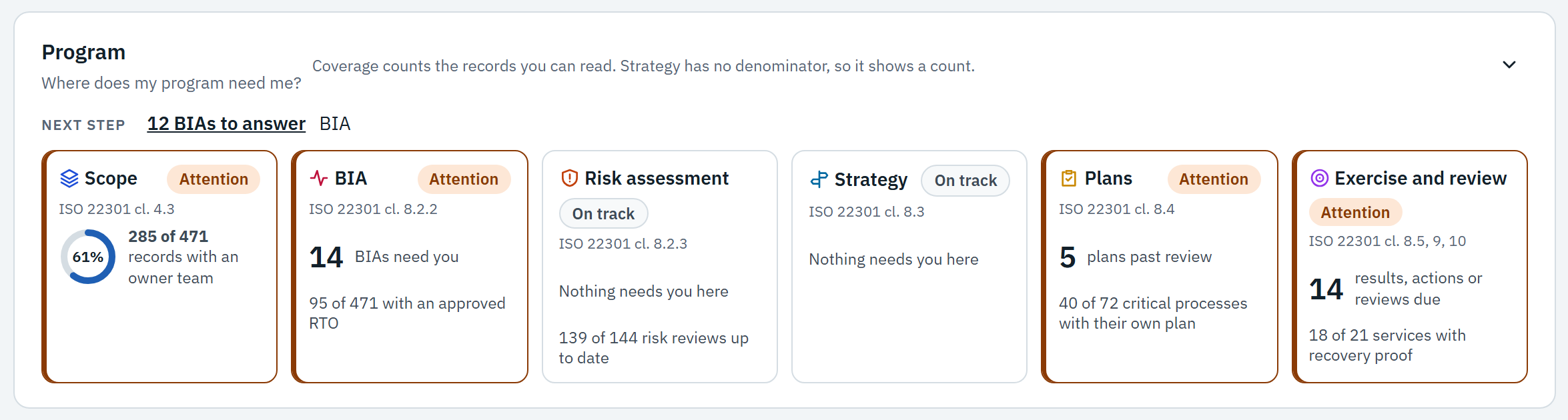
MyWorkspace opens on a ranked list of what needs attention: BIAs waiting for answers, plans past their review date, services without recovery proof. Each area of the program is a card marked Attention or On track, mapped to the ISO 22301 clause it supports, with the next step one click away. A gap shows as a gap. It never turns green because a document exists.
3. Regional and business-unit coordinator: “How is my part of the organization doing?”
Coordinators see the same measures as the program manager, scoped to their region, legal entity or line of business. Every dashboard follows the organization tree, so a coordinator can drill from their division into each department, and a restructure changes the scope, not the report.
4. Process, service and application owners: “What do I owe the program?”
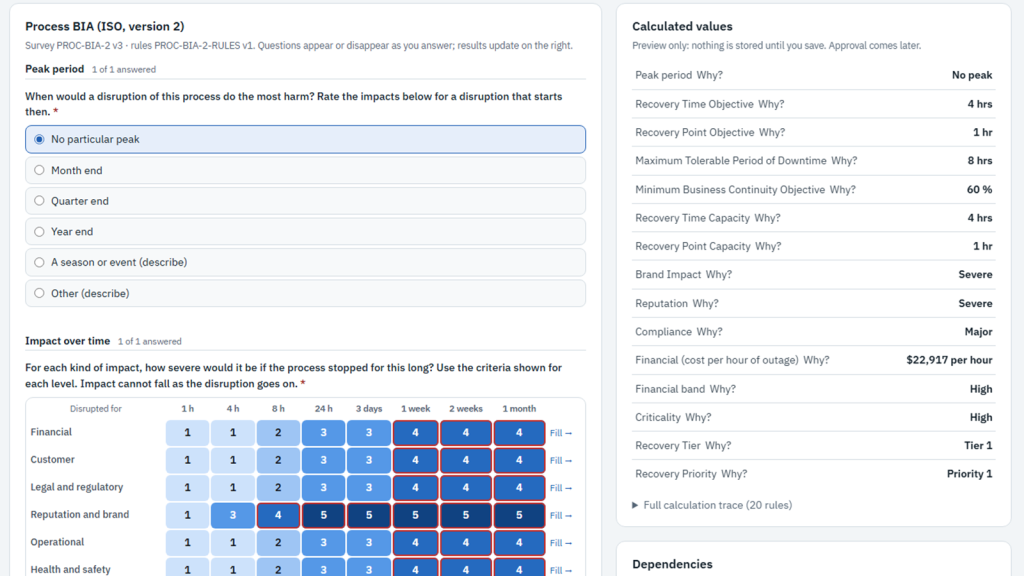
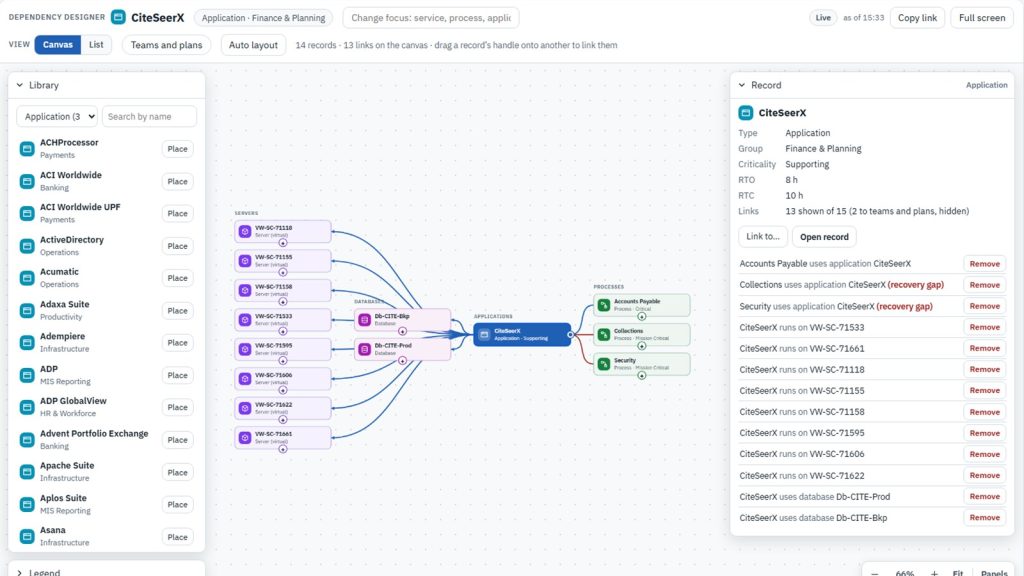
Owners see only what is theirs: the BIA to answer, the plan to review, the dependency to confirm, the approval waiting for them. MyWorkspace switches between three modes. Own shows an owner’s records and tasks, Govern shows the program, and Operate takes over when an incident is open.

5. Incident lead: “Who is affected, and who is on it?”
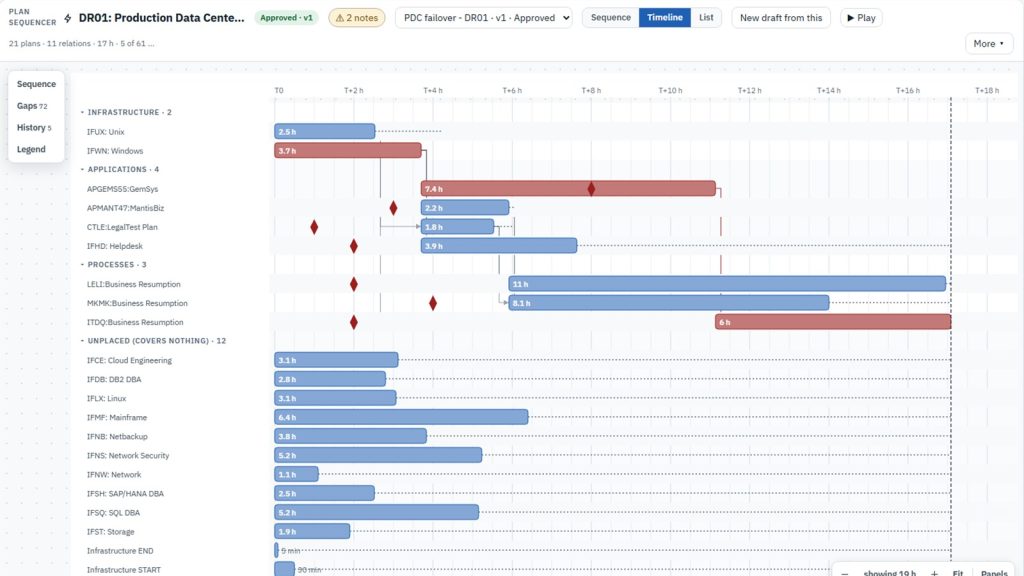
When an incident opens, the response runs from one page: plans activated, tasks for each team, a roll call that knows who is away, decisions recorded as they are made, and messages to the teams involved. Each person sees why they have access, such as incident commander or an invoked team, so nobody has to guess what they are allowed to change.

6. Auditor and compliance: “Can I prove it?”
Auditors read everything and change nothing: the audit trail, approvals, access changes, export logs and the evidence behind each figure. Evidence packs collect the register, responses, approvals and gaps in one download, so an audit request does not turn into a two-week project.
Everyone else keeps their own part current too. Through the Employee Kiosk, staff maintain their own profile, contact details and whereabouts, so a roll call reaches the right people.
What holds it together
- One set of records. Every role reads the same BIA, plans, risks and evidence. Nothing is copied into a second spreadsheet for a different audience.
- Roles come from teams. Access is granted to teams, not to individuals, and duties that should be kept apart, such as approving your own work, are checked.
- Same totals for everyone. Totals count every record, so no two people see different numbers. Only the detail depends on what a viewer may open; the rest shows as Restricted, never as zero.
- Unknown stays unknown. A record with no evidence shows as unproven for every role, from the department to the board.
The six roles at a glance: One program, six questions (PDF, 9 pages)
See it with the roles in your own program: Book a demo