Fewer People, More Duties, Less Time: What BCM Platforms Must Do
Continuity teams are smaller, carry more responsibility and must answer faster. Six design priorities a BCM platform needs, and who should drive its design.
Ask eRMA
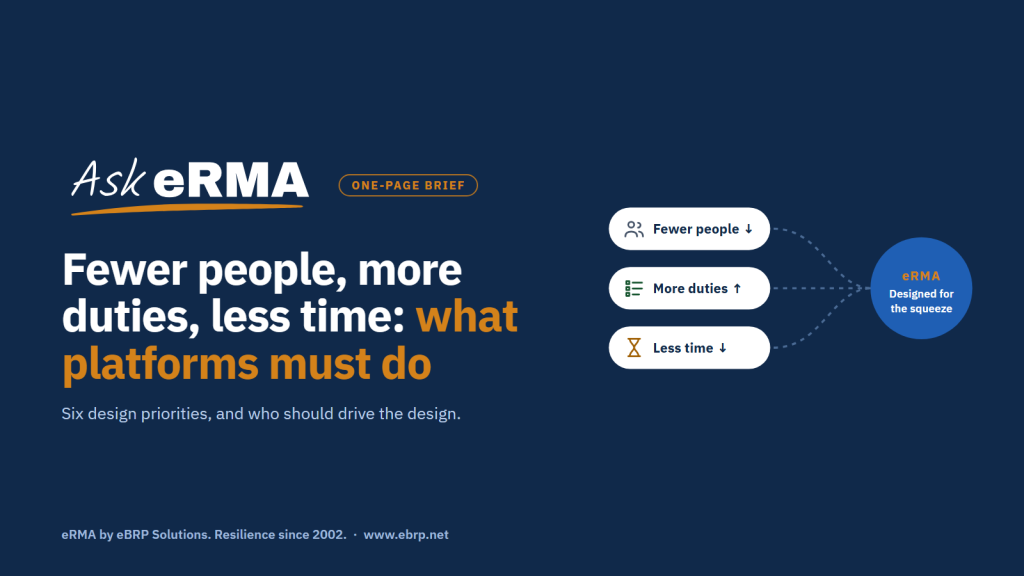
Three pressures now shape almost every business continuity program. Teams are smaller, often one or two people supported by part-time coordinators. Their remit keeps growing: operational resilience, third-party dependencies, cyber recovery, regulatory evidence. And the time allowed to answer is shrinking, from the next quarterly report to the next fifteen minutes of an incident. A platform chosen for a larger team and a slower world makes all three worse. A platform designed for them gives time back.
The three pressures
- Fewer people. The program depends on managers and coordinators whose main job is something else. Every extra form, login or follow-up costs participation.
- More duties. Business impact, dependencies, plans, exercises, incidents, risk and evidence for auditors are increasingly expected from the same team, and expected to agree with each other.
- Less time. Leaders and regulators expect a current answer when they ask, not after a data call. During an incident, the window is minutes.
Six design priorities
1. Ask once, reuse everywhere
The same fact, such as the applications a process uses, should be entered once and appear in the BIA, the dependency map, the plans and the reports. Where processes share a parent, answers should be inherited rather than collected again. Every repeated question is a cost paid by a busy manager.
2. Let the people closest to the data maintain it
Contact details, locations, duties and availability change weekly. Central teams can’t keep up with that by email. Staff should be able to keep their own information current, with an endorsement step where accuracy matters, so the program owner reviews changes instead of typing them.
3. Load in bulk, safely
Organizations rarely start from nothing. Data arrives from HR systems, application inventories, vendor lists and older tools. A platform should take it in bulk through templates, check it before anything is saved, allow a dry run, and export it back out in the same format, so a load can be repeated without fear.
4. Show what needs attention first
A small team can’t browse its way to the problem. Each role should land on what needs it: overdue reviews, gaps between recovery objectives, plans not exercised. Navigation menus are for finding things; the first screen is for deciding what to do next.
5. Settle the order of recovery before the incident
When time is short, the running order can’t be worked out live. Plans should be sequenced by their dependencies ahead of time, so the total recovery path is known. On the day, activation, roll call, tasks and decisions belong in one live view rather than across email threads and phone calls.
6. Be honest about gaps
Dashboards that turn green when data is missing are worse than none, because they hide the gaps a small team most needs to see. Missing data should read as “Unknown”. Data a viewer may not see should read as “Restricted”, never as zero, so totals are never quietly wrong.
Who should drive the design?
Platform design is often argued in terms of program deliverables, user expectations or industry practice. All three matter, but each answers a different question:
- Program deliverables decide what the platform must produce: the BIA, plans, exercise evidence, reports for leaders and regulators.
- Users decide how it should work: the managers, coordinators and staff who give it a few minutes a quarter. If it doesn’t suit them, the data goes stale and the deliverables fail anyway.
- The industry sets only the minimum: standards such as ISO 22301 and regulatory expectations define what must be covered, not how pleasant or fast it is to cover it.
A platform built to the industry minimum often passes an evaluation checklist and then struggles with adoption. Under today’s pressures, the users’ “how” is where most of the value lies.
Where eRMA fits
eRMA, the resilience platform from eBRP Solutions, is designed for small teams with a wide remit. All of the following are available today:
- Ask once: one connected model of processes, applications, services, locations, vendors and people, used by the BIA, the Impact Map, plans and reports, with group BIA and inheritance.
- Closest to the data: the Employee Kiosk, where staff keep their own profile, whereabouts and duties current, with endorsement.
- Bulk, safely: Data Management templates with pre-checks, dry runs, and an export and re-import round trip.
- Attention first: role-based workspaces that open on what needs that person’s attention.
- Recovery order: the Plan Sequencer for the running order, and Incident Management for activation, roll call, tasks, decisions and messages in one live view.
- Honest gaps: “Unknown” is never shown as healthy, and “Restricted” is never shown as zero.
See it: Dependency Designer and Impact Map →
Three questions to ask any vendor
- Show a coordinator’s quarter. What does a part-time coordinator do in the platform in a quarter, and how long does it take?
- Show a bulk load, twice. Load a file, fix an error, and load it again. What protects the data the second time?
- Show the first fifteen minutes. From activation to the first decision in an incident, where does each person look?
Smaller teams aren’t a temporary condition. The platform should be designed for the team the program has, not the one it had.
Download this as a one-page Brief: Six design priorities for a BCM platform (PDF)